Lead Reporting
Part of Lead generation data hygiene
Deduplicating repeated form submissions
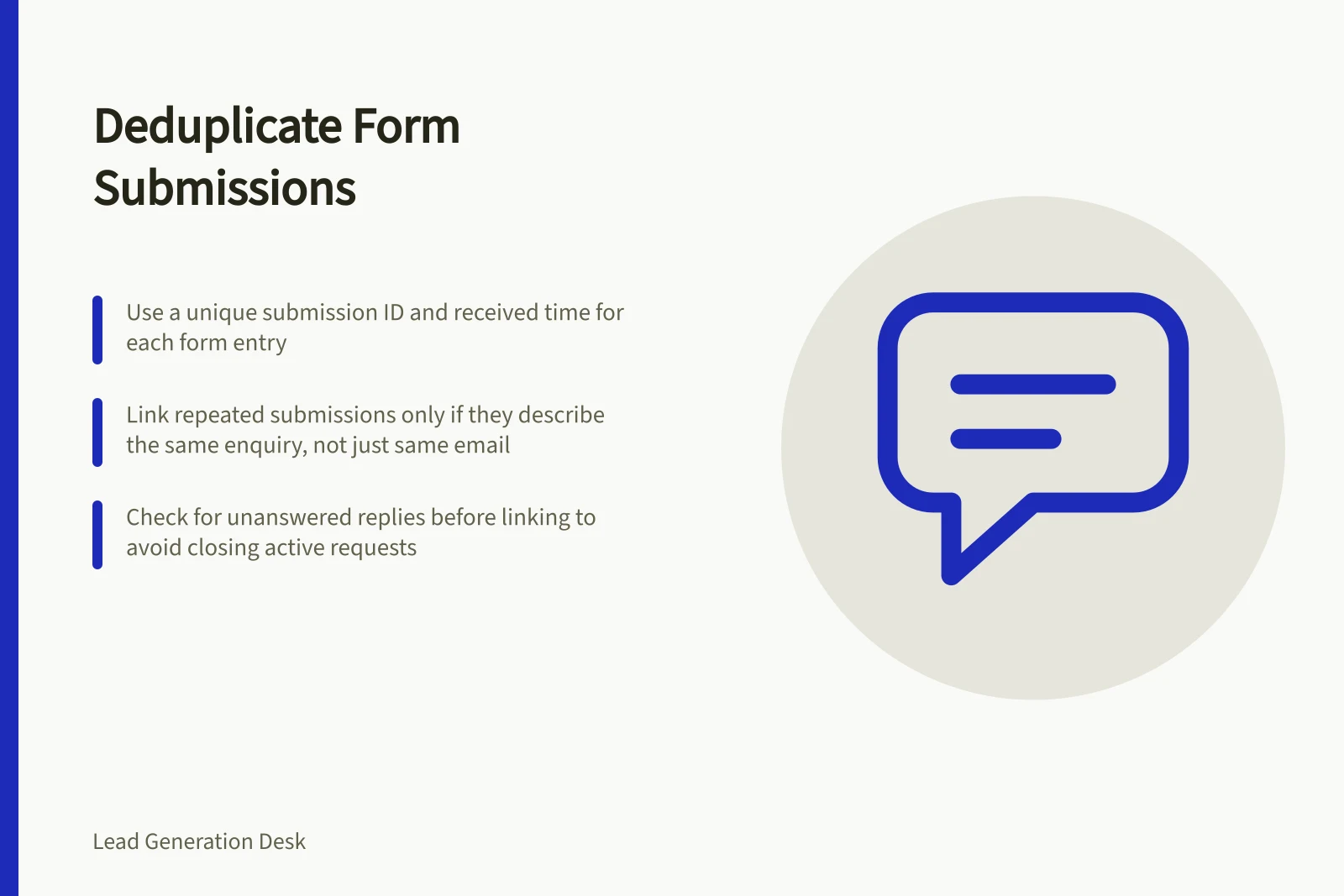
Decide when repeated form submissions belong to one enquiry, preserve new details and report distinct requests accurately.
Deduplicate form submissions by deciding whether they describe the same request. Link repeated arrivals to one enquiry, preserving any new information. The same email address is a clue, not a rule: one person can raise separate projects, and colleagues can ask about the same project.
Choose the unit to count
A submission is one distinct request received through a form. An enquiry is the underlying request the team assesses and answers. A contact is a person or organisation record.
One contact can have several enquiries; one enquiry can have several submissions. Reprocessing one submission identifier is a delivery or processing duplicate, not another received submission.
Give each distinct submission an identifier and received time. Preserve its form context, message and link to the enquiry while needed. This makes a later correction visible.
A visitor who sees an error may submit again even though the first request arrived.
Match cautiously
- Check whether the same submission identifier was processed twice. Resolve that technical duplicate without inventing another arrival.
- Look for likely repeated arrivals from the same reply address or verified contact, close in time and concerning the same need.
- Compare wording and timing. Does the later message correct a detail, request an update or describe new work?
- Link arrivals concerning the same request. Create another enquiry for genuinely different work.
- Leave uncertain matches for review.
Choose a review window that fits the business and document it. A shared company address or surname is weak identity evidence. An automatic CRM match also needs checking against the request.
| Later submission | Treatment to consider | Reason |
|---|---|---|
| Retry after an uncertain confirmation | Check both records, then link if the request is the same | One request may have arrived twice |
| Added project constraint | Link and alert the responder | The answer may need to change |
| Separate project from the same person | Create another enquiry | One contact can have distinct work |
| Colleague at the same organisation | Review the requests before linking | Organisation alone cannot establish one enquiry |
Protect the response
Before linking a repeat, check whether the first enquiry has an owner and whether anyone replied. A later message saying “Please call today” must reach the responder even if it adds no enquiry to the report. Linking records must not close an unanswered request.
If separate records already created separate follow-up tasks, coordinate them under one accountable responder. Record matching and control of sales contact are related decisions, but a clean count alone does not prevent two replies.
Report the result
For the same received period, show distinct submissions, repeated submissions linked to an existing request and distinct genuine enquiries. State whether a materially changed request starts a new enquiry.
Keep the rule stable during comparisons and date revisions. A contact count cannot substitute for an enquiry count.
Google Analytics Help documentation covers recommended events and a Lead acquisition report. Neither is automatically a deduplicated enquiry register, so reconcile the reported figures with your received records.
Key Metrics to Report Accurately
- Distinct Submissions
- Total number of unique form submissions received.
- Repeated Submissions Linked
- Number of duplicate submissions linked to an existing enquiry.
- Genuine Enquiries
- Count of distinct, valid enquiries after deduplication.