Lead Reporting
Part of Webinars as inbound lead offers
Measuring useful enquiries after a webinar
Define a useful webinar enquiry, separate it from attendance and replay activity, and report outcomes with clear denominators.
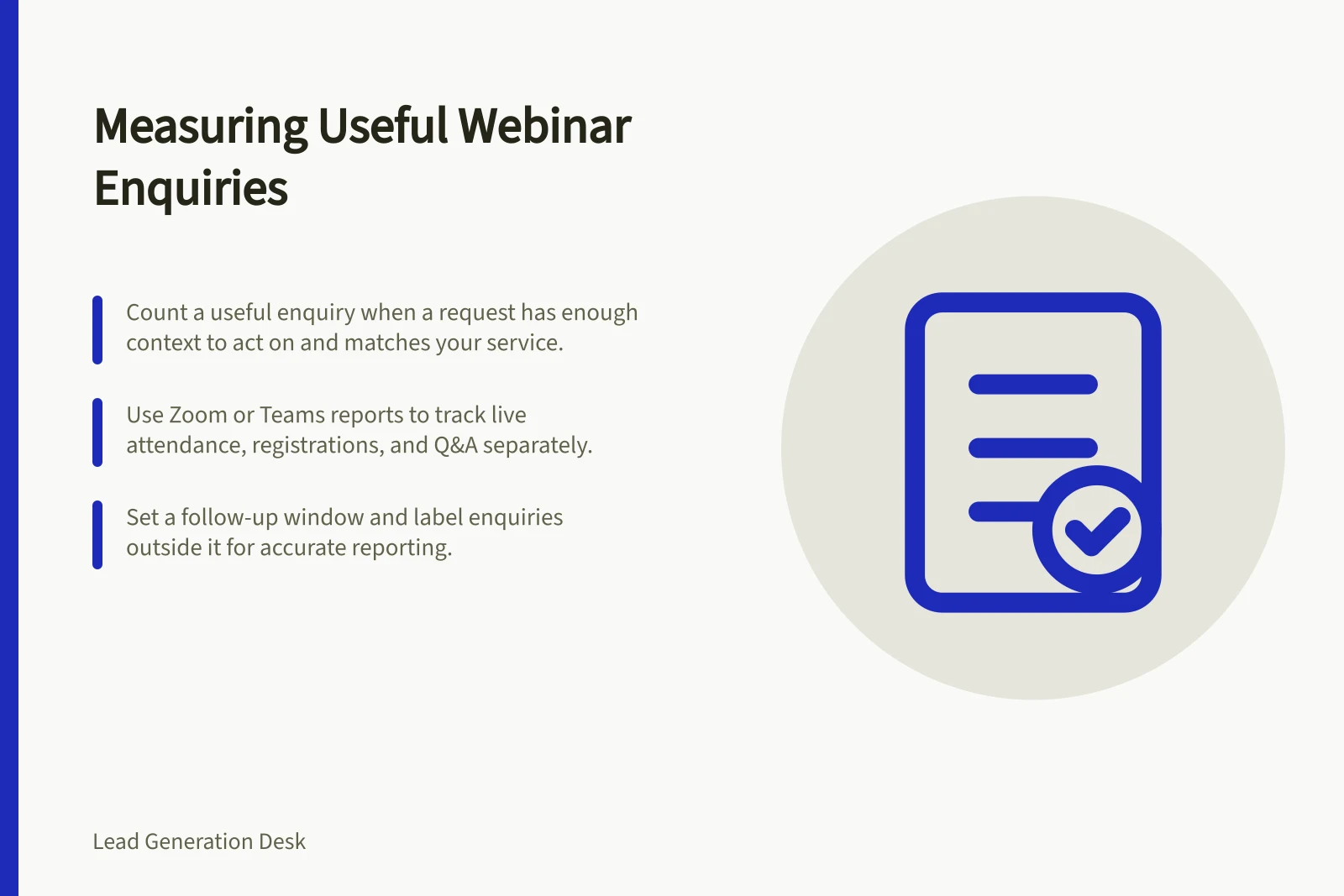
Count a useful webinar enquiry when someone asks for relevant help and your team has enough information to act on it. Registrations and attendance show participation, not enquiries.
Define the outcome before the event
Agree what counts as an enquiry. One workable definition is an identifiable request for a discussion, demonstration, proposal or answer about a specific potential project.
Decide separately what makes it useful: the request concerns a service you offer, contains enough context to respond and has an appropriate owner. An early-stage project can still qualify; a genuine request outside your scope may not.
Keep the stages distinct:
| Stage | Count when | Keep separate from |
|---|---|---|
| Registration | A person completes event registration | Attendance |
| Live attendance | A person joins the live session | Replay activity |
| Enquiry | A person makes an identifiable request for help | General questions and content requests |
| Useful enquiry | The request meets stated relevance and actionability criteria | An accepted opportunity or sale |
These are reporting definitions, not platform defaults. Record any definition change before comparing events.
Webinar Engagement Metrics: What Counts and What Doesn’t
- RegistrationPerson completes event registration
- Live AttendancePerson joins the live session
- EnquiryIdentifiable request for help, demo, proposal or answer about a specific project
- Useful EnquiryRequest is relevant to your service, has enough context to act on, and has an appropriate owner
Build a traceable record
Give each webinar an event identifier. For each enquiry, record its date, the requested service or problem, the known source, any reliable connection to live or replay participation, and the qualification decision with a short reason. Use “unknown” where a connection cannot be established. Combine duplicate records of the same request without merging genuinely separate requests from one person.
Check the reports available to your team. Microsoft Teams documents separate webinar registration and attendance information. Zoom offers separate registrant, attendee and Q&A reporting, subject to access requirements.
In Zoom’s on-demand webinar setup, the registration list for the recording is separate from live attendees. Recording registration also does not, by itself, prove that someone watched the replay.
Choose and state a follow-up window. Label later enquiries outside it separately, while retaining their actual request dates. The window is a reporting choice, not an estimate of how long a purchase decision takes.
Report counts with their limits
For each event, show registrants, live attendees, identifiable enquiries, useful enquiries and requests awaiting assessment. State the denominator whenever you show a rate. For example, useful enquiries from registered people divided by registrants answers a different question from useful enquiries from live attendees divided by live attendees. Match the numerator to the denominator’s cohort; do not include an enquiry from an unregistered person in a registrant-based rate.
Review why requests were accepted or set aside. A low count could reflect the topic, an unclear next step, missing tracking or audience fit. The count alone cannot distinguish these explanations.
If Google Analytics 4 is used, validate any event implementation and qualification records in the actual setup. As a general privacy practice, do not send names, email addresses or free-text questions to Analytics.
Present the result as useful enquiries observed after the webinar under your stated rules. Other material and sales conversations may also have influenced a person’s decision to enquire.
Key Reporting Metrics for Webinar Enquiries
- Registrants
- Total people who registered
- Live Attendees
- People who joined the live session
- Identifiable Enquiries
- Requests that are clear and actionable
- Useful Enquiries
- Enquiries meeting relevance and actionability criteria
- Awaiting Assessment
- Requests not yet qualified as useful