Qualification
Part of Webinars as inbound lead offers
Capturing attendee questions for qualification
Record webinar questions accurately, respect anonymous and private settings, and route explicit follow-up requests.
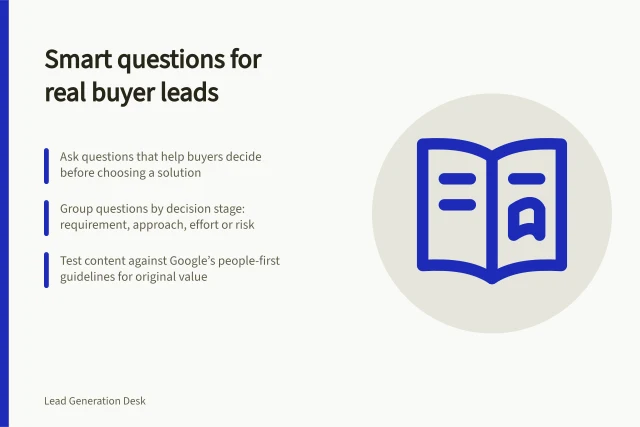
Capture webinar questions as context for a useful response, not as proof the asker is a lead. Before the event, decide how questions will be collected, who can see them and how someone can request an individual follow-up.
Set up a usable question route
Tell attendees where to ask questions and whether posts will be visible to others. Give the moderator a way to mark questions that need an answer later. If anonymous posts are allowed, do not promise a personal reply to a question you cannot reliably connect to a person.
Check the event settings. Microsoft Teams supports webinar Q&A reports when Q&A is enabled. Teams also has a setting to allow anonymous questions and comments.
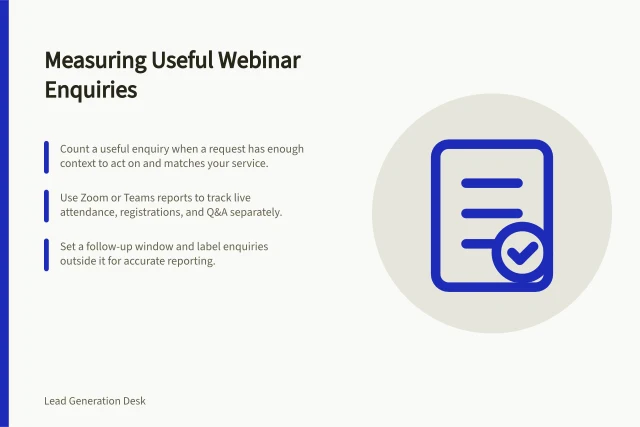
Teams allows organisers to download Q&A reports. Private replies are visible only to moderators and the attendee who asked the question. Zoom Webinars provides a Q&A report to users with the required reporting access.
Review what an export contains before sharing it. Obtain it within the platform’s available period if it is needed.
A moderator’s working log can be shorter than a transcript. For each question needing action, record:
- its theme and enough wording to preserve its meaning;
- whether it was answered during the session;
- whether the attendee asked for follow-up;
- the response owner and due date, where a reply was promised.
Use a contact identifier only when the question is reliably attributable and the identifier is needed for the response. Keep anonymous themes anonymous. Do not copy private or sensitive details into a shared sales sheet merely because they appeared in Q&A.
Microsoft Teams vs Zoom Webinar Q&A features
- Anonymous questions allowedYes – both platforms support this
- Q&A report availableYes – Teams and Zoom both provide downloadable reports
- Private replies visible to whom?Only moderator and attendee in Teams; depends on permissions in Zoom
- Export contains full transcript?No – exports include question text, time, and status; not full session audio
Pros and cons of using anonymous Q&A in webinars
- Pros
- Encourages participation from hesitant attendees; reduces fear of public exposure
- Cons
- Cannot reliably connect response to an individual; may limit personal follow-up
Distinguish questions from requests
A general question about how an approach works calls for an answer. A question about applying it to a project may need clarification, but it does not establish budget, authority or a purchase date. An explicit request for a demonstration, proposal or project discussion can be routed to the responsible team with the attendee’s wording intact.
For example, “Can you explain the integration options?” asks for information. “We are choosing a system for a planned rollout; can someone discuss the integration requirements with us?” asks for a conversation. The distinction rests on the request, not the number of posts.
Close the loop
Provide a clear way to request a private reply or project discussion. Before transferring question records to another system, check the registration notice, intended recipients and retention needs.
For organisations covered by the Australian Privacy Principles, personal information collection must be reasonably necessary and reasonable steps must be taken to notify people of relevant purposes.
After the event, assign owners to promised replies and remove duplicate tasks. Keep the original question available to the responder. Summarise recurring themes without names when planning future sessions.