Lead Magnets
Webinars as inbound lead offers
Plan a buyer-focused webinar, set clear registration and follow-up expectations, and assess the useful enquiries it produces.
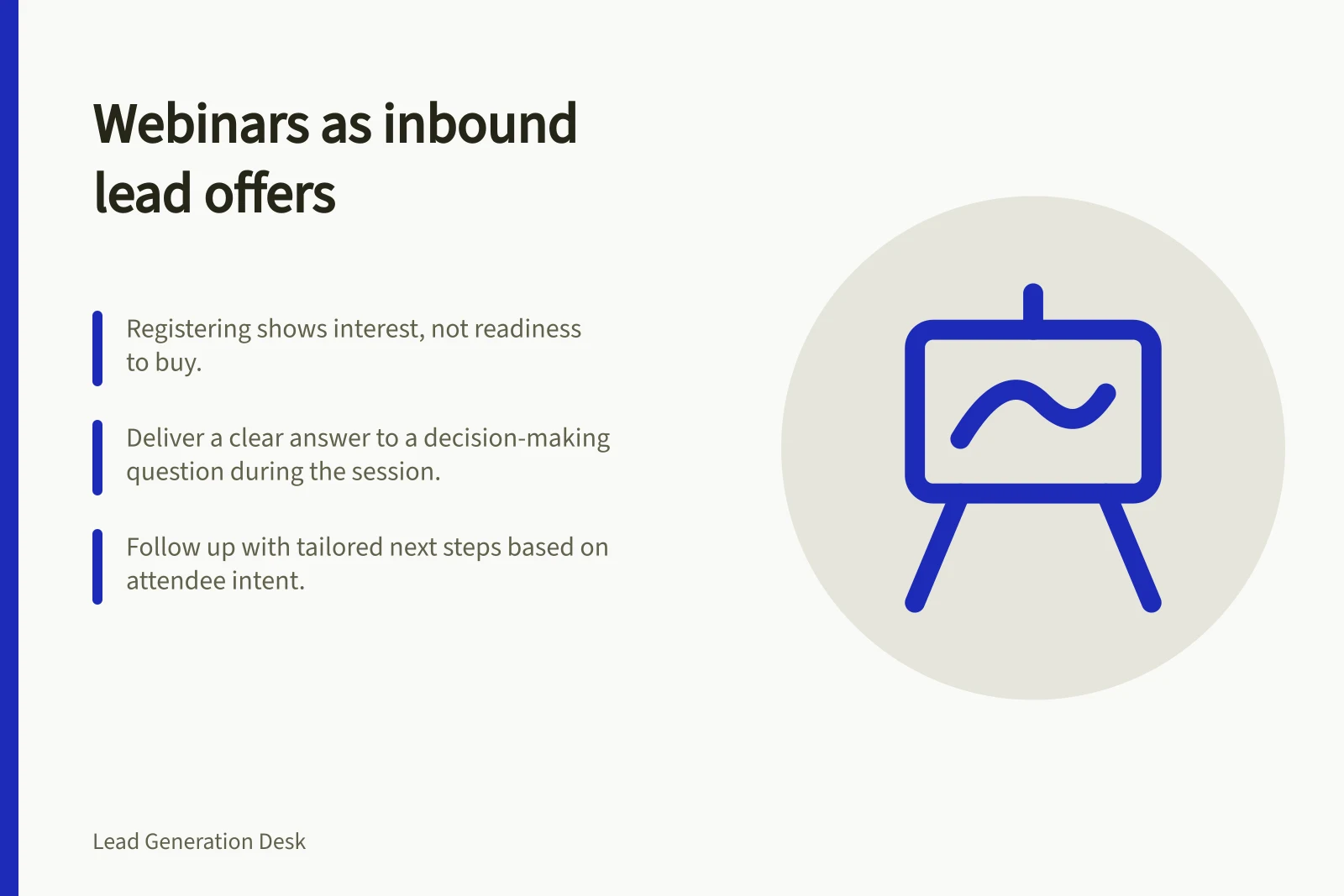
A webinar works as an inbound lead offer when it helps a prospective buyer make a decision and offers a relevant way to ask for further help. Registration shows interest in the subject, not readiness to buy.
Plan the session around a useful question and judge it by the enquiries that follow.
Start with the audience’s decision
Choose a question your intended buyer must resolve before taking a next step. A session on preparing requirements for a system change has a clearer purpose than a broad presentation on industry trends. Define whom it serves, what participants can decide afterwards and where the answer depends on their circumstances.
Deliver the promised answer within the session. Explain the criteria and trade-offs, use a worked example where helpful, and leave time for questions. If the subject needs a demonstration, show the relevant workflow. Keep the invitation and replay description aligned with what the session covers.
Make registration proportionate
Ask for the information needed to provide access and prepare the session. An optional question such as “What are you trying to decide?” may help the presenter address real concerns. A detailed project brief is too much to require from someone who has only asked to learn.
Explain whether registrants will receive a recording, how questions may be used and what follow-up to expect.
For organisations covered by the Australian Privacy Principles, collection of personal information must be reasonably necessary for their activities. The OAIC says reasonable steps must also be taken to notify people of relevant matters, including the organisation's identity and contact details, the purpose of collection, usual disclosures, and whether information may be disclosed overseas. Notification should occur before or at collection, or as soon as practicable afterwards.
Plan any follow-up sequence separately from webinar registration.
Check the platform and event settings before promising particular questions or exports. Microsoft Teams documents custom webinar registration questions and separate registration and attendance information. Zoom Webinars also supports custom registration questions when the webinar add-on and registration-enabled event requirements are met; its reports can distinguish registrants, attendees and Q&A.
Access and settings vary. Neither platform determines whether a participant is a suitable prospect.
Prepare the event for delivery
A webinar is more structured than an ordinary meeting: presenters share ideas or provide training, while attendees have limited audio and video permissions. Set the format to suit that distinction, rather than assuming the session will work like an open group discussion.
Microsoft Teams advises scheduling a webinar well in advance, usually by several weeks. Decide whether it will be public or private, then publish and share the event. After the event site is published, presenters and attendees receive email invitations. A public event is open to anyone with a registration link; a private event is accessible only to members of the organisation.
Offer a suitable next step
After explaining the decision, offer a choice that fits it. Someone comparing approaches might want a requirements worksheet or replay. Someone with an active project might request a scoped conversation. State what that conversation covers and let attendees choose it.
- Learning request:
- provide the replay, clarification or general answer.
- Possible project:
- clarify the need before routing it to sales.
- Direct enquiry:
- respond to an explicit request about a defined project, service or purchase.
Measure enquiries separately from participation
Keep participation figures and useful enquiries as separate observations when you review the webinar. Participation data shows who registered, attended or watched the replay, but it is not an enquiry unless a person actually asks for further help.
Review the event's reporting after it has ended. Zoom reports can show attendance duration, performance statistics and feedback, as well as survey responses and poll results; they can be exported as CSV files for further analysis and are available for the previous year.
Generate attendee, performance, Q&A, poll and survey reports after the webinar ends; if a report was generated before the event, generate it again to include data collected during the session. These reports help describe participation and reactions, not enquiries.
Post-Webinar Measurement Metrics (Australia)
- Registration RateNumber of people who signed up via the event link
- Attendance DurationAverage time participants spent in the session (from Zoom reports)
- Q&A ParticipationNumber of questions submitted during the webinar
- Follow-Up EnquiriesActual requests for further help (e.g., scoped conversations, worksheets) – not just attendance
In this guide
- Choosing a webinar topic that attracts potential buyersChoose a webinar topic by identifying the buyer’s decision, checking your ability to answer it and testing the session promise.
- Distinguishing learning interest from immediate purchase intentInterpret webinar attendance, questions and direct requests without mistaking learning interest for an immediate sales enquiry.
- Capturing attendee questions for qualificationRecord webinar questions accurately, respect anonymous and private settings, and route explicit follow-up requests.
- Measuring useful enquiries after a webinarDefine a useful webinar enquiry, separate it from attendance and replay activity, and report outcomes with clear denominators.