Qualification
Identifying low-quality form submissions
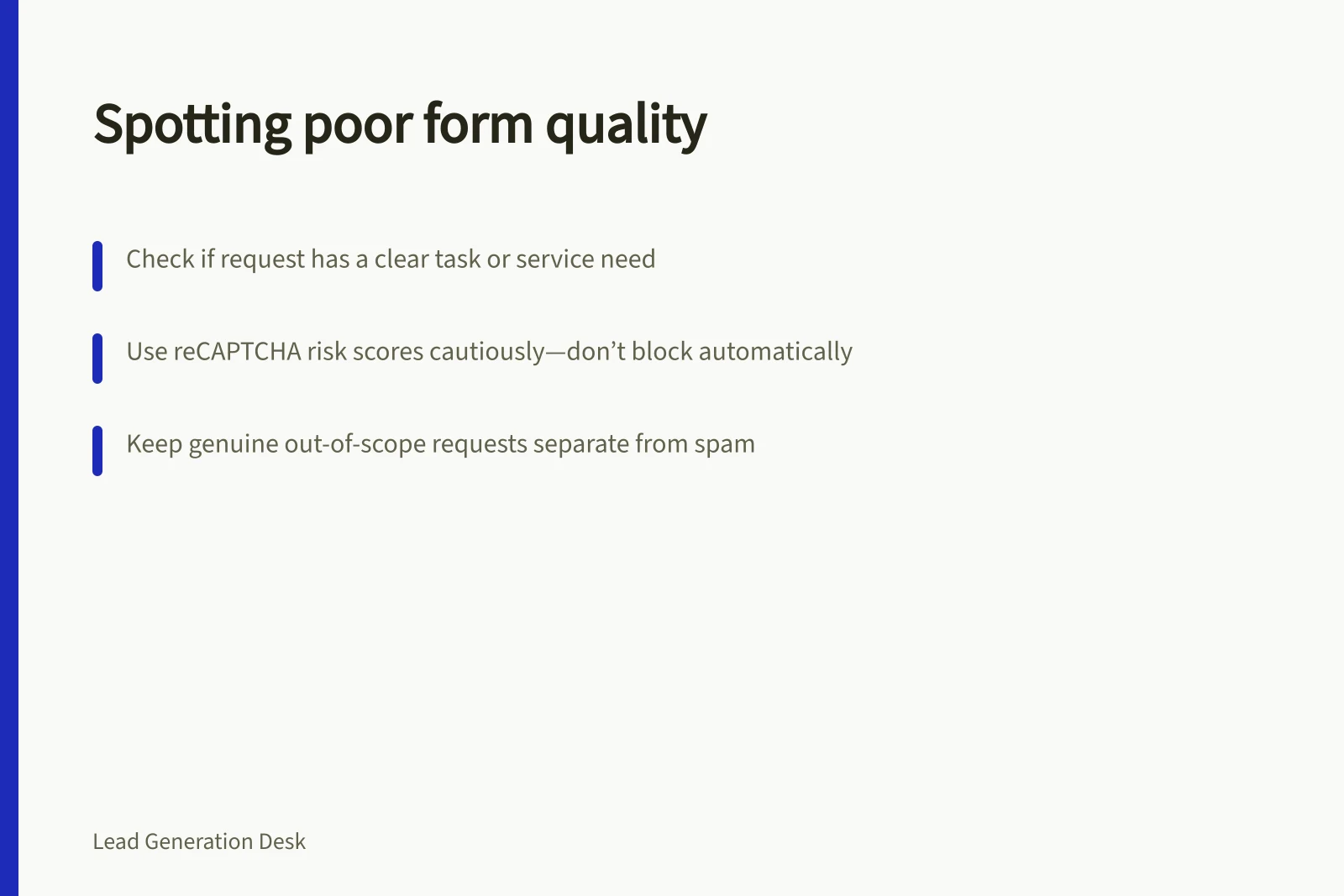
Separate spam and tests from genuine but unclear or unsuitable enquiries, and review automated signals without losing real requests.
Identify a low-quality form submission by finding what prevents a useful response. Separate probable tests or spam from genuine requests that are unclear or outside your service. A short message or unusual email address alone is not enough to label a person as spam.
Triage the request, not just the sender
Read the submission in the context of the page and form that invited it. ‘Please call about maintenance at our site’ is brief but may be actionable. A long sales pitch from another vendor may be complete text but is not a customer enquiry.
- Check the record.Confirm that the request reached the receiving team and retain its page or offer context when available.
- Look for a real task.Identify a service question, project need or request for information. A content request can be genuine without being a sales enquiry.
- Check whether a reply is possible.If one detail is missing, consider a focused clarification.
- Check service relevance.A real request for work you do not offer is outside scope, not spam.
- Classify exclusions carefully.Keep confirmed tests, automated abuse and duplicate transmissions under separate labels. A duplicate may still represent a genuine person trying to reach you.
Use automated signals cautiously
If the site uses reCAPTCHA v3, Google says it returns a risk score after the response token is verified on the backend. The score estimates whether an interaction resembles automated abuse; it does not establish whether the project is genuine, in scope or commercially useful.
Every site is different; Google recommends taking action behind the scenes rather than blocking traffic. Check what happens to uncertain submissions so a genuine request is not silently lost.
Repeated identical text, a sudden burst of submissions or messages unrelated to the service may also warrant review. None proves abuse on its own. A technical retry or a campaign may explain an unusual pattern. Review examples after changing a suppression rule.
Give genuine requests a route forward
An unclear enquiry may need one question, such as ‘Which service are you asking about?’ A support request belongs with support. A clear request outside scope deserves an accurate answer. Do not convert these outcomes into spam merely to simplify reporting.
If a person reports that the form failed, check both the visible message and the receiving record. W3C form guidance recommends clear feedback about success or errors and how to correct them. A failed submission is different from a received request that the team later excludes.
Review exclusions
Keep submitted records, confirmed tests or spam, duplicate transmissions, requests awaiting clarification and genuine requests outside scope distinguishable. Read examples from both excluded and accepted groups after changing a filter.