Inbound Capture
Part of Lead capture forms
Making error messages useful during form completion
Write form errors that identify the field and correction, preserve valid answers where possible and tell visitors whether their enquiry was sent.
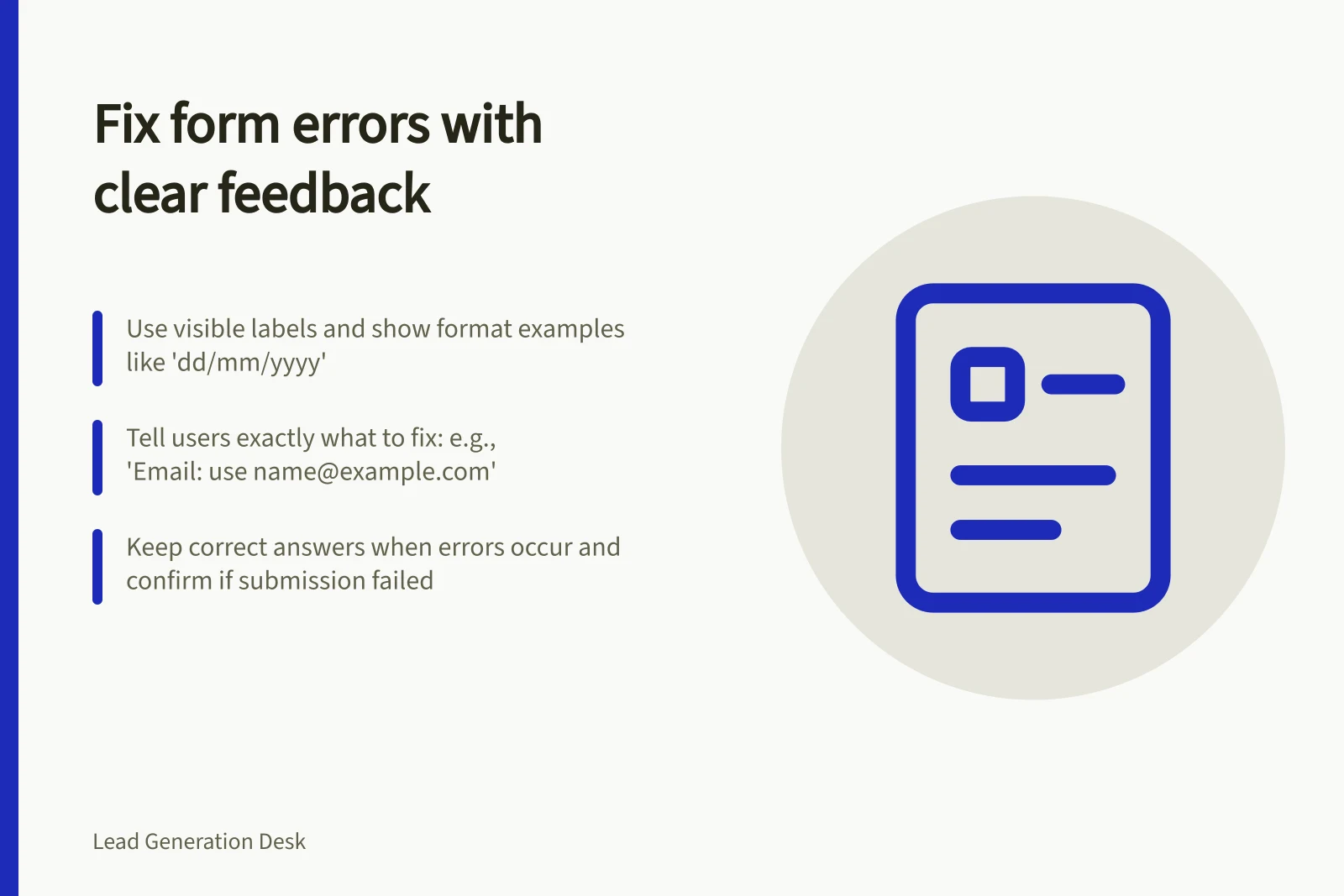
A useful form error names the field, explains the problem and tells the person how to correct it. Put it where they can find it, keep valid answers in place where possible and say whether the enquiry was sent. “Something went wrong” offers no useful next step.
Prevent avoidable errors first
Use a visible label for each field. Mark required information clearly and give any unusual format rule before the person enters a value. If a date must follow a particular format, show an example beside the field. Do not rely on a placeholder that disappears when typing begins.
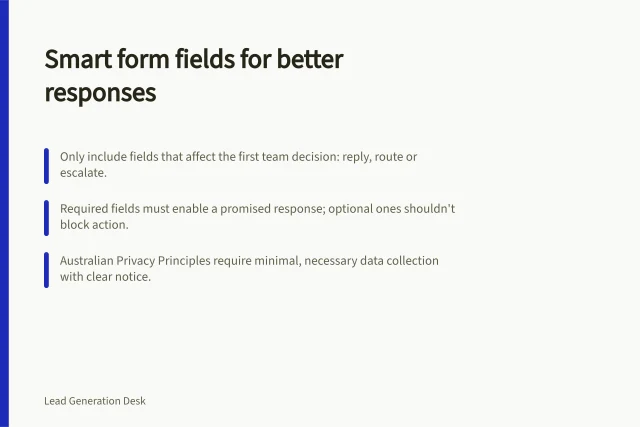
Ask whether a rule is needed. If the team can read a phone number with spaces, rejecting spaces creates unnecessary work. If a selection is optional, do not mark it as required merely because the form system makes that easy. Validation should protect the information the team needs without enforcing arbitrary tidiness.
How to handle form validation effectively
- Use visible labels for all fieldsEnsure every field has a clear, visible label for accessibility and clarity.
- Clearly mark required fieldsUse text or icons to indicate mandatory inputs without overusing 'required' tags.
- Show format examples before inputDisplay a sample (e.g., `dd/mm/yyyy`) beside date fields to guide correct entry.
- Avoid arbitrary rulesOnly enforce formatting that is necessary for processing—don’t reject spaces in phone numbers if readable.
- Test real-world usageValidate how users interact across devices and assistive technologies.
Write for the correction
Unhelpful message / More useful message
- “Invalid input”
- “Email address: enter an address in the format
[email protected].” - “Required field”
- “Project description: briefly tell us what you need help with.”
- “Submission failed”
- “We couldn't send your enquiry. Please try again.”
Match each message to the actual rule or failure. An empty email field, a badly formatted address and a server problem need different messages. Do not blame the person for a service failure or promise that their answers were saved unless the form does save them.
If sending continues to fail, give an alternative contact route that the business monitors. State that the form request was not received.
Unhelpful vs. Useful Error Messages
- Unhelpful message
- Invalid input
- More useful message
- Email address: enter an address in the format `[email protected]`.
- Unhelpful message
- Required field
- More useful message
- Project description: briefly tell us what you need help with.
- Unhelpful message
- Submission failed
- More useful message
- We couldn't send your enquiry. Please try again.
Put feedback where it can be used
When submission finds several errors, give an overall notice and identify each affected field. Place the specific correction near its control. W3C guidance shows how an error list and messages near fields can work together, including ways to associate a message with its field for assistive technology.
If feedback appears while someone types, avoid interrupting before they have finished a reasonable entry. Make errors reachable through keyboard navigation and do not rely on colour alone. Check the rendered form with a keyboard and assistive technology to find out whether its messages can be located and understood.
Where possible, preserve valid answers when the form returns an error, so the person can correct the affected field without re-entering the whole request. A successful submission needs a distinct confirmation. A failed submission needs an honest failure message, especially if the person might otherwise assume an urgent request has arrived.
Check the difficult cases
Try leaving required fields blank, entering a value outside a stated rule, losing the connection during submission and correcting more than one error. Check what appears on a phone, what a keyboard user reaches and what the receiving team gets. Revise any message that leaves the person unsure how to finish or whether the enquiry arrived.