Lead Routing
Part of Inbound lead routing
Handling enquiries outside normal business hours
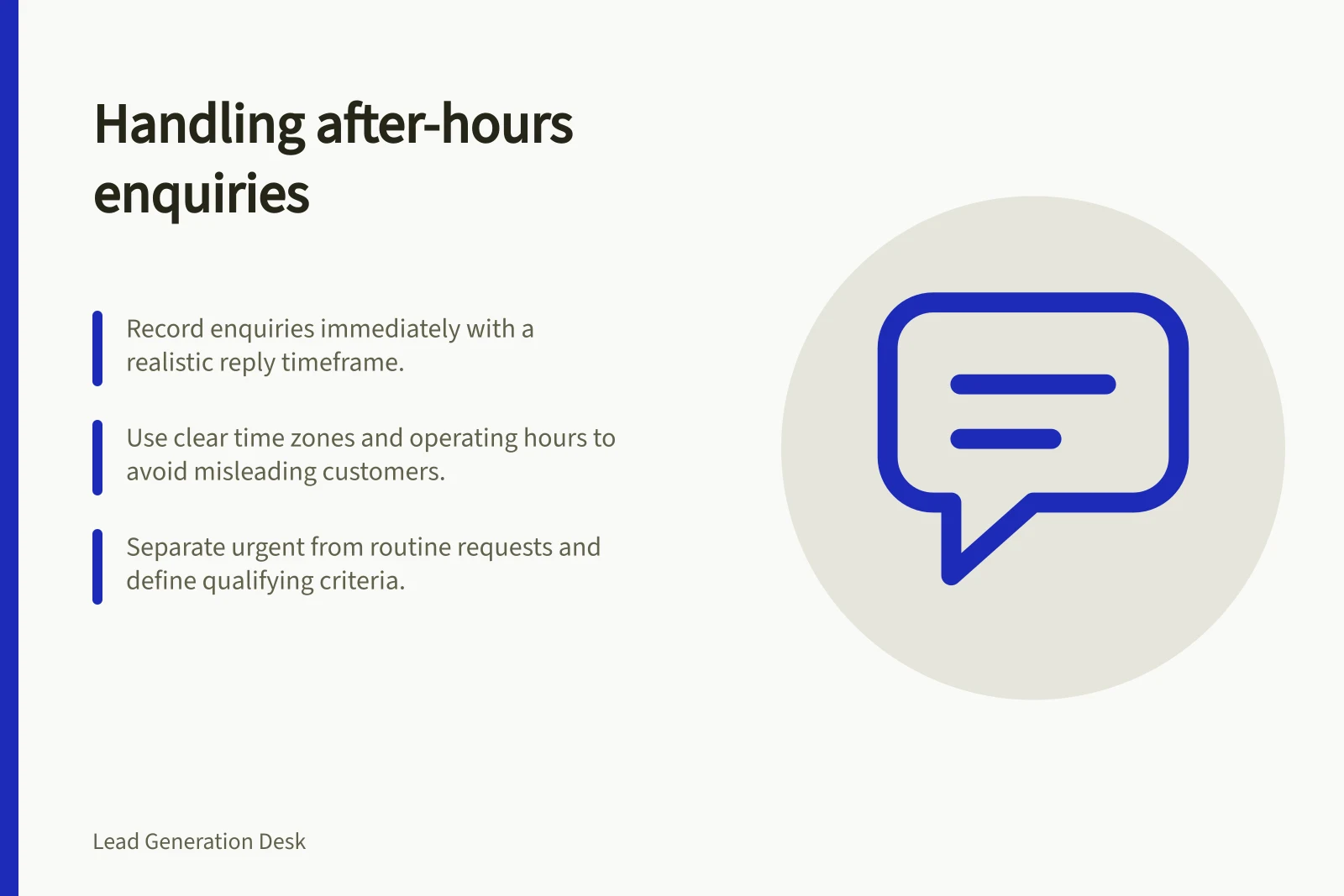
Set honest after-hours response expectations, preserve receipt times and make sure the next staffed team owns each enquiry.
Record an after-hours enquiry when it arrives. Set a realistic expectation for a human reply, and put the enquiry where the next staffed team will see it.
Offer an urgent route only when someone can receive and act on those requests.
An automatic acknowledgement confirms receipt; it does not answer the enquiry.
State the hours and time zone
Record the operating hours for each response route, including its time zone and planned closures. If teams work across Australian states, an unexplained '9 to 5' promise can be misleading.
State whether a response window means elapsed hours or the team's operating hours. Use the same definition in customer wording and internal review.
A hypothetical Friday-evening request shows the difference: 'within 24 hours' and 'within one business day' set different expectations.
Promise only what the receiving team can meet. If a specialist must assess the request, say when it will be reviewed rather than promising a complete answer immediately after opening.
Response Promises: 'Within 24 Hours' vs 'Within One Business Day'
- Within 24 hours
- Elapsed time – includes weekends and public holidays
- Within one business day
- Operating hours only – excludes weekends, public holidays, and after-hours periods
Separate routine and urgent work
Give routine requests a received time and a queue checked when the responsible team resumes.
If urgent service exists, state which requests qualify and how to reach the monitored route. An online form is not an emergency channel merely because it accepts submissions overnight.
An acknowledgement can name the next step without implying that someone has assessed the request: 'Your enquiry has reached our team. We review new service requests during our stated business hours and will reply after review.' Adapt that wording to the business's actual commitment.
Keep urgent and routine records coordinated so they do not prompt competing replies.
Key Metrics for After-Hours Enquiry Management
- Receipt Time Retention
- Preserved in system
- Weekend/PH Exclusion in Delays
- Configurable in HubSpot
Check automation timing
An enquiry can be recorded promptly while its next workflow action waits.
HubSpot documents settings that restrict when workflow actions run using the account time zone. Actions reached outside the selected times are rescheduled under its stated rules.
Delays and branches themselves are not rescheduled by that setting, although the following action can be. HubSpot also offers delays until selected days or times.
HubSpot offers a set-amount-of-time delay that can be configured to exclude weekends. Check how its calendar rules map to the team's actual staffing pattern.
Keep receipt, assignment and first human reply as separate events. If assignment waits until opening time, the original receipt time should remain visible.
Before replying, the owner should check whether an urgent team has already acted.
After-Hours Enquiry Handling Process
- Enquiry Received
- Immediate (receipt time recorded)
- Assignment Delayed
- Until next business day, based on team operating hours
- Next Action Reviewed
- At start of staffed period – queue checked for ownership and action
- Human Reply Sent
- After review during business hours
Review the queue when staffing resumes
At the start of the next staffed period, check that each arrival has an owner and next action.
Consider genuine urgency while working through older requests. Include messages received during closures and across daylight-saving changes under the stated time zone.
If the queue routinely contains more work than the team can answer within its promise, revise the promise, the handover or staffing.
A faster-sounding acknowledgement does not resolve a slow response process.