Inbound Capture
Part of Lead capture forms
Selecting form fields that help qualification
Choose enquiry fields by the first decision each answer supports, distinguish required from optional details and review what your team actually uses.
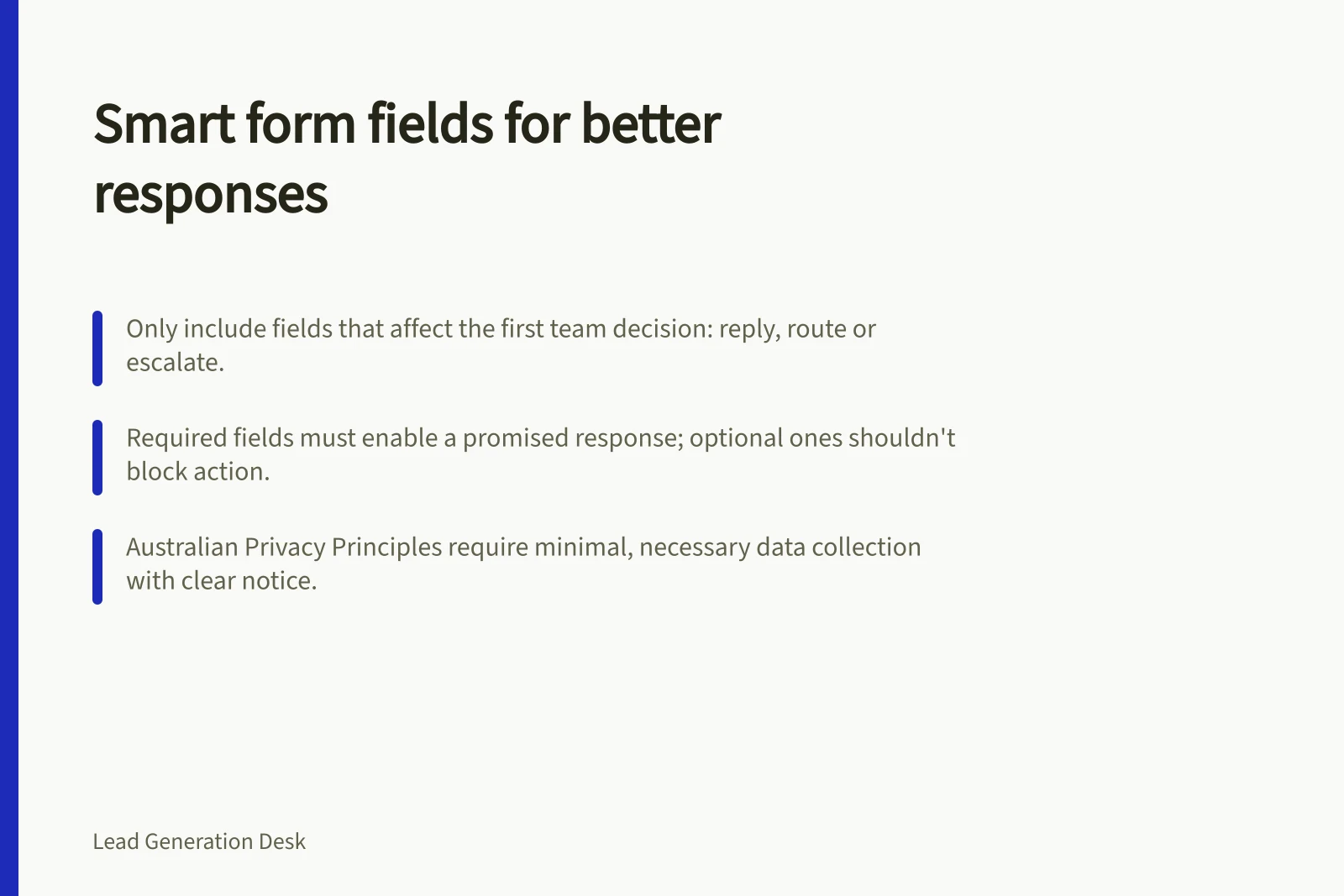
Choose a form field only when its answer changes your team's first decision: whether it can respond, who should respond or what to ask next. The form does not need every detail that might help a later sale. Each question should support the response promised at this stage.
Work backwards from the decision
Write down the possible first actions before listing fields. The team may answer the enquiry, ask for a missing detail, route it to a specialist or explain that the work is outside scope. For each proposed question, identify which action its answer affects. If nobody can name one, remove or defer it.
| Possible field | Include it now when | Consider deferring it when |
|---|---|---|
| Reply method | The team needs it to answer in the way offered | A second contact method adds nothing to the first reply |
| Service or problem | Different requests need different owners or responses | The page already supplies the context and a free-text request is sufficient |
| Broad location | Service availability or site attendance depends on it | Location has no bearing on the initial answer |
| Timing | A real deadline changes whether the team can help | The question would invite a guessed purchase date |
| Organisation detail | It is needed to identify the request or assess a service boundary | It is wanted only for possible future segmentation |
These are decision prompts, not a universal field list. A person's own description may be more useful than a forced choice. Include an “unsure” option when uncertainty is a legitimate reason to enquire.
When to include or defer form fields based on decision impact
- Include it now whenThe team needs it to answer in the way offered, or the request requires different ownership or response based on the answer.
- Consider deferring it whenThe information adds no value to the initial response, such as a second contact method or optional details not needed for routing.
Separate required from useful
A required field should be necessary to deliver or route the promised first response. A helpful but non-essential answer can be optional. Make that clear and ensure the receiving team can still act when it is blank.
Avoid treating a job title or company size as a substitute for the person's stated need. Such details may matter for a particular service boundary, but there should be a reason to request them. A field that the receiving team routinely ignores is a candidate for removal, even if the CRM has a place for it.
For example, an equipment installer offering a site-assessment call might need a contact method, equipment type and broad site location. It may not need an exact address or procurement budget to decide whether to arrange the call. The threshold depends on what the team can assess before speaking with the person.
Check collection and wording
For organisations covered by the Australian Privacy Principles, APP 3 requires solicited personal information to meet the applicable necessity test. The OAIC advises proportionate, minimal collection; sensitive information has additional conditions. APP 5 also requires reasonable steps to notify people of specified collection matters or ensure they are aware of them. Commercial usefulness alone does not settle these requirements.
Use visible labels and place necessary instructions with each field. Explain vague questions. “When do you need help?” may invite a date the person cannot know; “Is there a deadline we should consider? (optional)” asks for the practical constraint.
Privacy compliance and data collection principles under APPs
- APP 3: Necessity testCollect only personal information that is reasonably necessary for your functions or activities.
- APP 5: Notification requirementInform people about why you’re collecting their data, who they can contact, and how they can access it.
- Proportionality principleMinimise data collection to what’s essential—avoid asking for job titles or company size unless needed.
Review the answers that arrive
Once the form is in use, read a sample of requests with the people who answer them. Note which fields changed the first action, which were often blank or guessed, and which facts had to be requested again. Revise a question when the evidence shows it is unhelpful. Add a field only when its answer improves an identifiable decision enough to justify asking for it.