Inbound Capture
Part of Lead generation landing pages
Matching a landing page to a specific service need
Map a visitor’s service need to the page answer and enquiry, and decide when a dedicated landing page is useful.
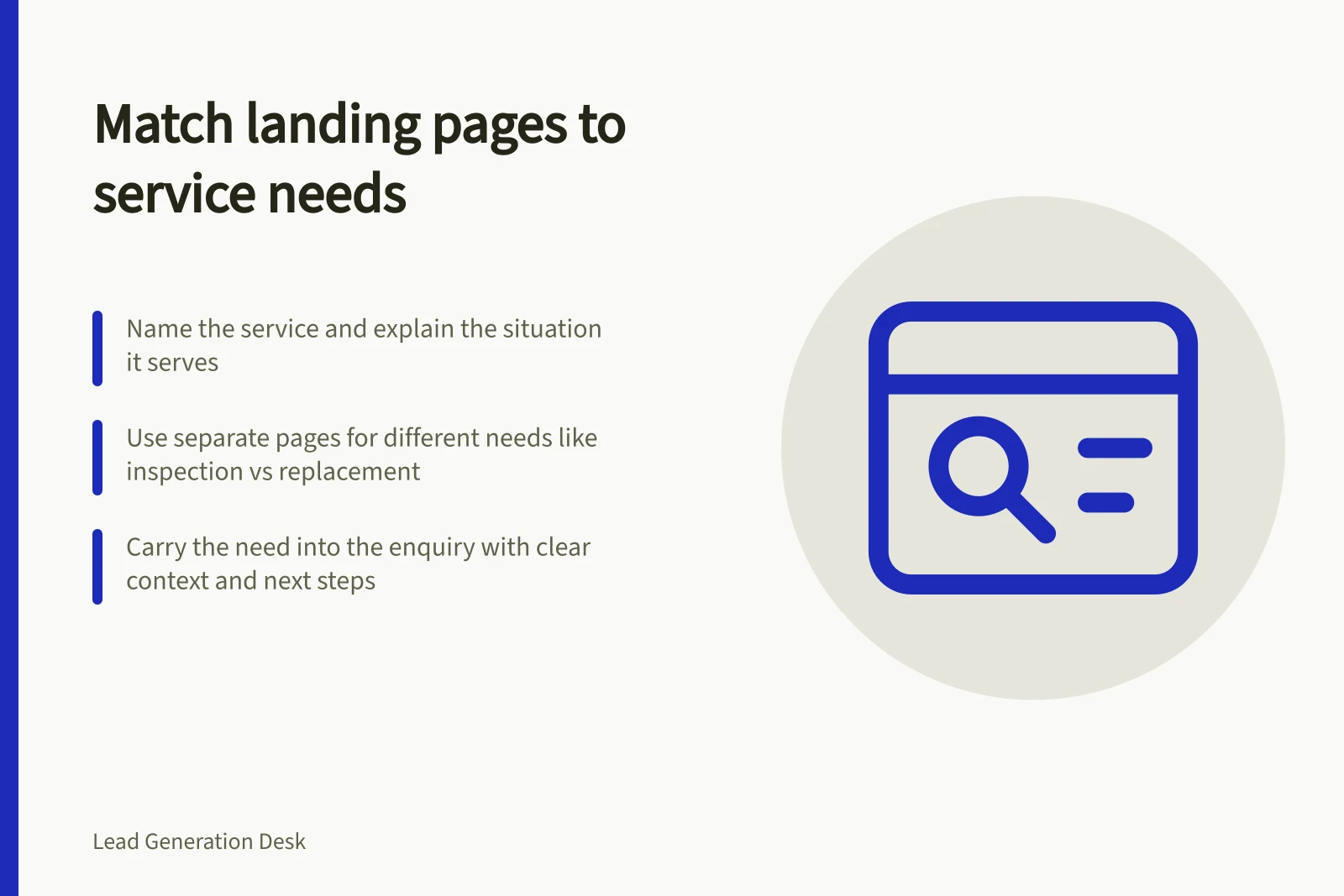
Match the landing page to the need that brought the visitor there. Name the service, explain the situation it serves and carry that need through to the enquiry. “Our services” leaves the visitor to work out whether the offer applies.
Separate needs that require different answers
Start with the visitor’s task rather than an internal service category. What do they already know, what must they decide and which team could respond? Planned maintenance and replacement may concern the same equipment but call for different explanations.
Consider a hypothetical industrial pump business. Someone arranging an inspection needs to know what it covers and what site information to supply. Someone considering replacement needs to know which existing specifications will help the discussion. An urgent breakdown calls for a clear contact route only if the business offers and monitors one.
| Arrival need | Page answer | Relevant next step |
|---|---|---|
| Plan an inspection | Scope, exclusions and details needed to assess the request | Describe the asset and preferred timing |
| Consider replacement | What existing specifications can establish and what needs further review | Request a replacement discussion |
| Seek urgent assistance | Whether urgent work is available and how to make contact | Use the stated urgent route, if offered |
These are sample decisions, not claims about a provider.
Decide whether the need warrants its own page
Use a dedicated page when the need substantially changes the explanation, service limits or next action. If two groups need the same answer and response, one page with clear sections may serve them. Splitting pages merely to repeat a service name gives visitors little extra help.
For paid search, compare the ad’s promise with the destination page’s heading and visible explanation. A landing page that matches the ad and keywords is a useful general practice. The same continuity check is useful for an email or directory listing.
Carry the need into the enquiry
State the service context near the action so the visitor knows what to request and what reply to expect. If the enquiry system allows it, pass the page or service context to the receiving team. Leave room for uncertainty: “I’m unsure whether inspection or replacement is appropriate” is a useful request.
Trace each arrival route through the heading, service limits, action and receiving team. Once enquiries arrive, review repeated mismatches. If visitors keep asking for a different service, examine the page promise and route against their requests.